

Can You Design a Website by Yourself? A Beginner’s Guide to Web Design
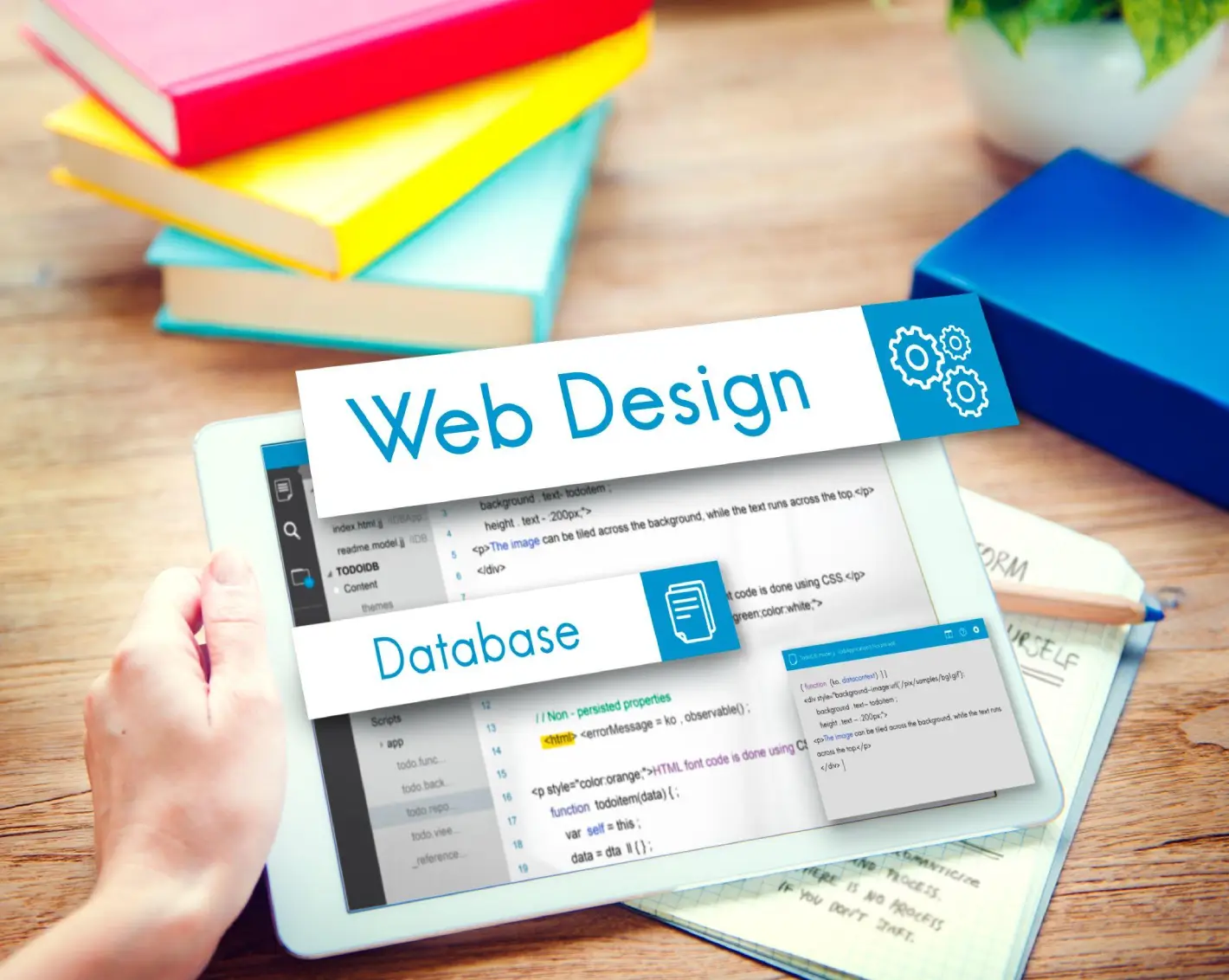
You can design a website by yourself, you can shape your online presence, and you can showcase your creativity. With the right design tools and a grasp of web design fundamentals, the process can be surprisingly accessible.
But what are the essential steps to guarantee your site stands out? Understanding the intricacies of website design will not only help you create a functional web page, but it will also empower you to connect better with your audience, whether you’re working with a website builder, starting your first website, or learning html and css.
Understanding the Basics of Web Design
Web design is the art and science of creating visually appealing and functional websites. To get started, you need to understand essential design elements like layout, color schemes, typography, and user experience (UX). These design principles guide your web content and structure.
Think about how users will interact with your interface. A clear navigation structure helps them find information quickly, while responsive web design ensures your site looks great across different devices and screen sizes, from desktops to mobile devices.
You’ll also want to reflect on the importance of accessibility, ensuring your site follows web content accessibility guidelines (WCAG). This includes using image alt text, readable fonts, proper contrast, and support for assistive technologies to increase access for people with disabilities.
Finally, become familiar with interaction design and visual hierarchy, which influence how visitors navigate your content. Web typography, spacing, and design consistency are all part of building a user-friendly and intuitive site.
Choosing the Right Website Building Platform
How do you choose the right website builder for your needs? Start by evaluating your technical skills. If you’re comfortable with coding, platforms like WordPress offer flexibility. If you want to avoid languages such as html, use builders like Wix, Shopify, or Squarespace that simplify the development process.
Next, think about your site’s purpose. Do you need online stores, blogs, or portfolios? Choose a template and platform that aligns with your products and services.
Customization matters. A good website builder allows you to customize your layout, design animation, and select fonts that match your visual design goals.
Factor in web hosting, bandwidth, and platform cost. Prices can range from a few hundred to thousands, depending on whether you hire a freelance website designer or use ai tools. Always ensure your platform supports optimization for performance and search engine optimization (SEO).
Defining Your Website’s Purpose and Goals
What do you want your site’s visitors to achieve? Defining purpose is key in the design process. Here are four core objectives to consider:
- Inform: Share knowledge or insights through informative web content.
- Engage: Build interaction with communities or support systems using intuitive features.
- Promote: Highlight products and services using compelling visual hierarchy.
- Convert: Turn traffic into leads via sign-ups, CTAs, and strong UX/UI.
Whether your website design is for a brand, blog, or business, set clear metrics to measure success, especially in 2025 where SEO tools, analytics, and AI play a growing role in understanding user behavior.
Planning Your Website’s Structure and Layout
A well-organized layout design can transform the entire user journey. Start by developing a table of contents or site map that outlines your primary web page hierarchy: homepage, about, contact, services, blog.
Effective website development relies on usability. Place critical information near the top of each page, use white space wisely, and keep content and functionality balanced.
Use css and design software to build visual consistency. Templates can speed up layout decisions, but always customize for your goals.
Responsive design matters—your site should adjust to different devices and screen sizes. Make sure to optimize images and scripts so that visitors can find what they need quickly, even with limited bandwidth.
Designing for User Experience and Accessibility
A well-designed website prioritizes both UX and web accessibility. Here’s how:
- Navigation: Create clear menus and breadcrumbs to guide users.
- Typography: Use readable fonts and size combinations for all ages.
- Contrast & Color: Ensure readability with high contrast ratios.
- Mobile Design: Adopt responsive web design to serve all screen types.
- Alt Text & ARIA Labels: Improve accessibility and meet accessibility guidelines.
- Ease of Use: Avoid designs that are difficult to use. Simplify.
You don’t need to measure everything in centimeters, but structure and clarity should reflect design best practices.
Incorporating Visual Elements and Branding
When you design a website, cohesive branding ensures your web design examples leave a memorable impression.
Importance of Visual Consistency
Consistent visual design strengthens your overall design. Stick to a fixed color palette, font pairing, and iconography across your pages. Use designing websites best practices to maintain tone and reinforce identity.
Choosing Color Palettes
Colors convey emotion and influence conversion. Stick to 3–5 colors that reflect your brand and use tools like Adobe Color to develop palettes. Always test color contrast for web accessibility.
Typography and Readability
Your typography determines your site’s tone. Use hierarchy, font weights, and line spacing to guide readers. Good readability supports longer visits and a lower bounce rate.
Optimizing for Search Engines and Performance
Your site must be discoverable. That’s where search engine optimization and performance come into play.
- Use relevant keywords throughout your web content.
- Include metadata and html tags for search engines like Google.
- Add internal links and structured content.
- Use seo tools like Google Search Console for indexing and analytics.
Speed also matters. Use development tools to compress files, implement lazy loading, and enable caching. Fast, mobile-optimized, well-designed websites tend to rank near the top of search results.
Launching Your Website and Ongoing Maintenance
You’ve created a user interface design, now launch and maintain it.
Launching Your Website
Ensure everything works:
- Validate with multiple browsers.
- Check layout across mobile devices.
- Apply seo basics like image alt text, meta titles, and schema markup.
- Run site speed checks and fix bottlenecks using javascript audit tools.
Maintenance Best Practices
Post-launch, keep your website more accessible and updated:
- Use a content management system (CMS) like WordPress.
- Update plug-ins, themes, and design tools regularly.
- Track user behavior to refine the user experience design.
- Review for broken links, errors, or accessibility issues.
- Evaluate if you need new features or different types of websites.
Whether you’re managing an ecommerce store or a portfolio, regular optimization ensures continued success.
Ready to Design a Website That Works? Contact 417Boom Today
Creating a well-designed website involves more than just attractive visuals—it requires strategic planning, SEO optimization, responsive design, and an exceptional user experience. At 417Boom, we understand how to turn these elements into measurable success. With over a decade of SEO experience and a team of expert digital designers, we guide you through the complexities of website design, ensuring your site not only looks great but also performs.
Whether you’re launching your first website, upgrading your online store, or optimizing for mobile devices, we provide a full suite of services to meet your needs, including SEO, Local SEO, Ecommerce solutions, and Google Ads. Let us help you build a site that drives traffic, engages users, and grows your business.
Book an appointment today by calling 417-619-5056 or emailing [email protected]. You can also visit us at 417BOOM, Springfield Website Design | SEO Expert.
